Suppliers – Supplier List
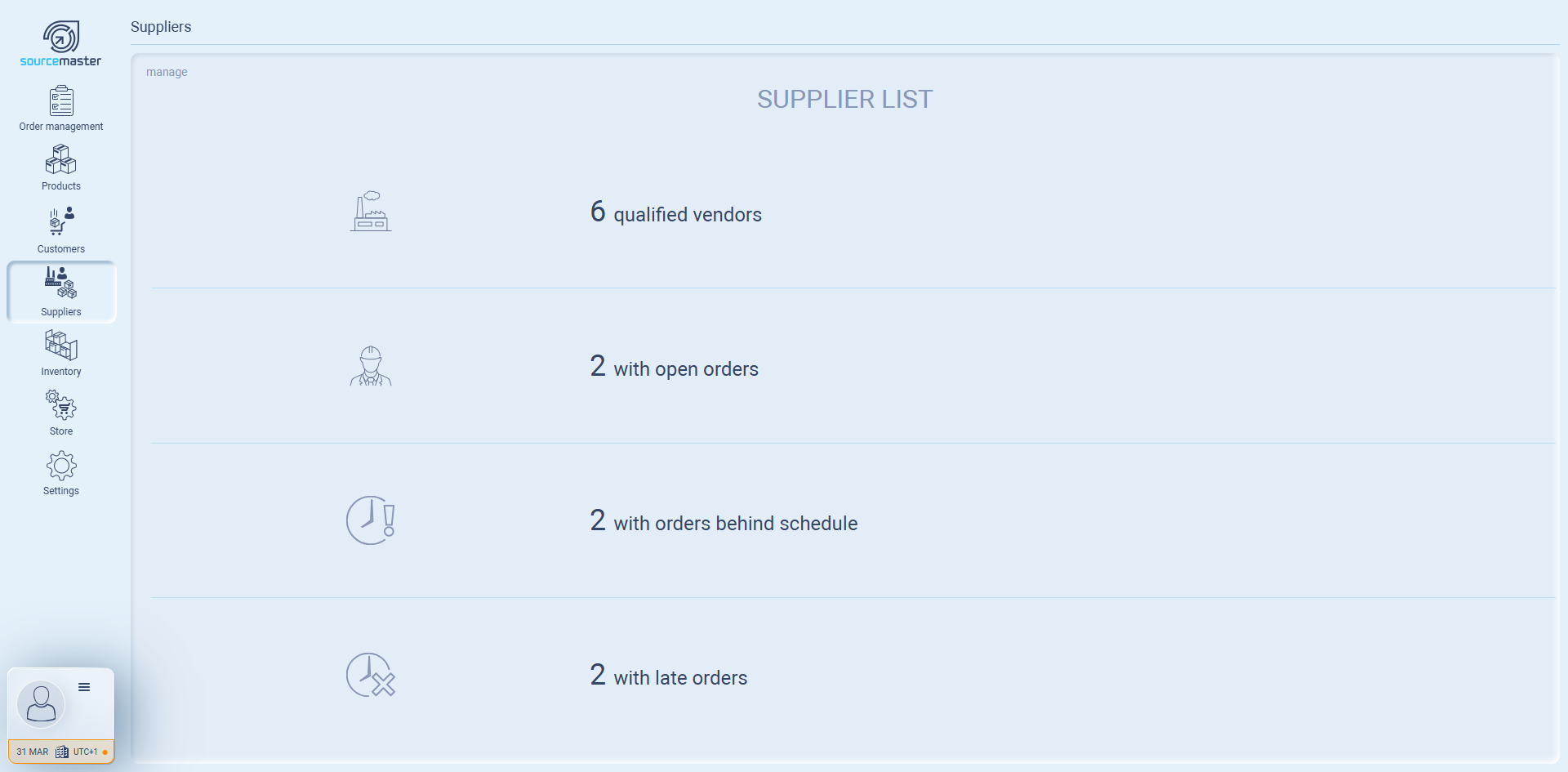
The Supplier List is where you manage all your vendors in sourcemaster.
Think of it as your central vendor directory: you can add new suppliers, view existing ones, and see which suppliers are actively working with you.
What you see on the Supplier List dashboard
-
Qualified vendors → Total suppliers you’ve added to the system.
-
With open orders → Suppliers currently linked to ongoing purchase orders.
How to Add a New Vendor
-
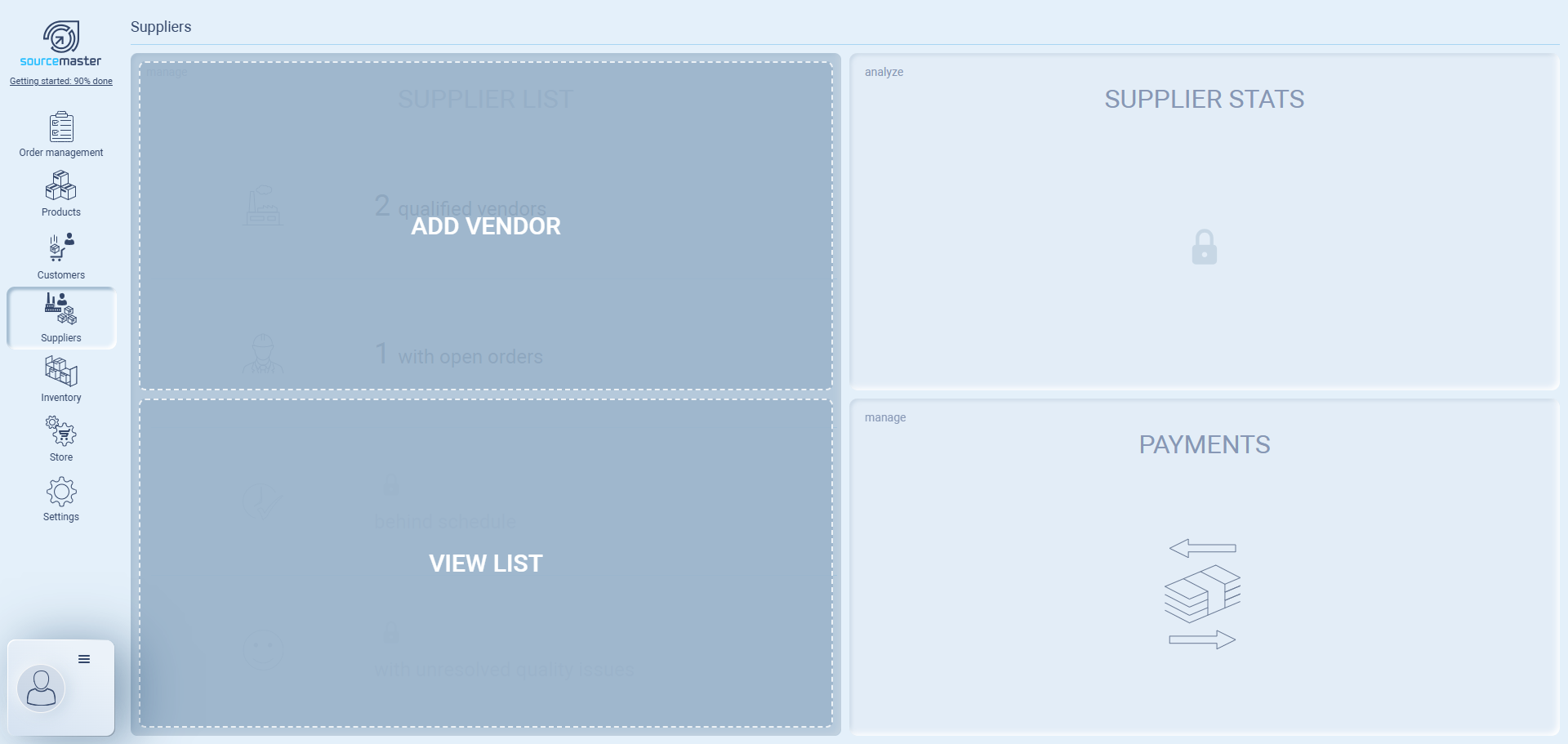
Go to Suppliers from the left menu.
-
Under Supplier List, click Add Vendor.
-
Fill out the form:
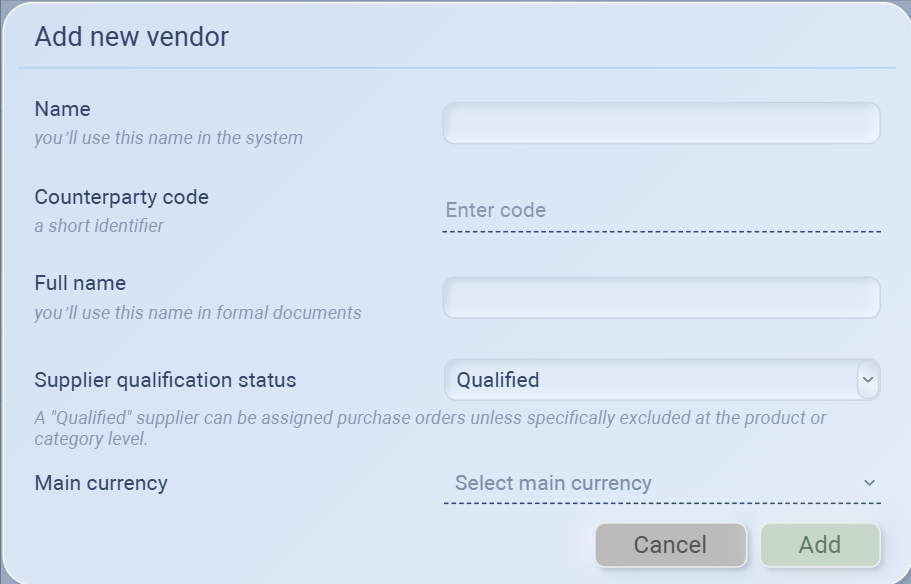
Name → Short name you’ll use inside Sourcemaster.
Example: Suzhou Apparel WorksCounterparty code → A short identifier code.
Example: SZAPPFull name → Official company name, used in formal documents.
Example: Suzhou Apparel Manufacturing Workshop Co., Ltd.Supplier qualification status
Qualified → Can be assigned purchase orders immediately.
Pending → Under review, cannot receive purchase orders yet.
Main currency → The default currency for transactions with this supplier.
Click Add to save the vendor.
- Use Pending if you’re still evaluating a supplier, and switch to Qualified once approved.
